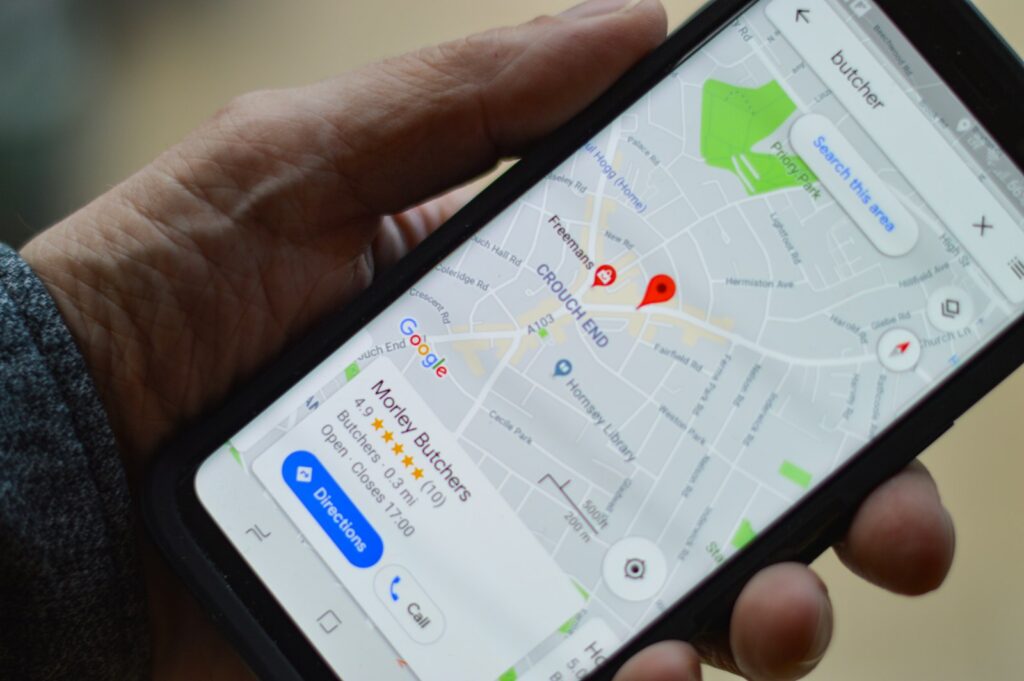
When someone searches “plumber near me” or “brunch in Alsip,” the first thing they see usually isn’t a website. It’s the map and three business listings under it. Google business profile optimization is how you get into those three spots, and it’s free.
Use this checklist to get your profile in shape. Most of it takes an afternoon.
1. Claim and verify your profile
Search your business name on Google. If you see a listing with “Own this business?”, it’s unclaimed. Claim it and complete verification, which may be a postcard, phone call, email or video. Until it’s verified, your edits may not show and you can’t reply to reviews.
Make sure the profile is owned by a Google account the business controls, not a past employee or agency. You can add managers later.
2. Get the basics exactly right
- Business name: Your real-world name only. Adding keywords like “Best Plumber Chicago” breaks Google’s guidelines and can get the profile suspended.
- Address or service area: Storefronts show an address. Service businesses that visit customers can hide the address and set a service area instead.
- Phone number: A local number that rings to someone who answers.
- Website: Link to your homepage or the best page for that location.
- Hours: Including holiday hours. Wrong hours lead to angry reviews.
Keep your name, address and phone number identical everywhere else online: your website, Facebook, Yelp and directories.

3. Choose the right categories
Your primary category is one of the biggest factors in which searches you show up for. Pick the most specific one that matches your main service, such as “HVAC contractor” rather than “Contractor.” Then add secondary categories for other real services you offer. Don’t add categories for things you don’t do.
4. Fill out services and products
List each service with a short, plain description. Use the words customers actually search, like “water heater installation” or “gluten-free pancakes.” Restaurants should add their menu. Retailers can add products with photos and prices.
5. Write a useful description
You get 750 characters. Use the first two lines to say what you do, who you serve and where. Mention what makes you different, like same-day service, family-owned since 1998 or open late. Skip links and all-caps sales language.
6. Add real photos, and keep adding them
Profiles with plenty of photos tend to get more clicks and direction requests. Upload:
- Your storefront or vehicles, so people recognize you
- Your team at work
- Finished jobs, dishes or products
- The inside of your space
Use real photos, not stock images. Add a few new ones every month.
7. Get reviews and reply to every one
Reviews affect both your ranking and whether people call. Ask every happy customer, make it one click with a direct review link, and reply to every review, good or bad. Our guides on getting more Google reviews and responding to negative reviews cover exactly what to say.
8. Post updates
Google posts work like mini social posts on your profile. Share offers, events, new services and seasonal reminders. They don’t need to be fancy. One post a week shows Google and customers that you’re active.
9. Answer common questions
Check the questions section of your profile and answer anything people have asked. Wrong answers from strangers can sit there for months if you don’t.
10. Track what’s working
The performance section shows how many people found you, called, asked for directions or visited your website. Add UTM tags to your website link so you can see profile traffic in Google Analytics. Check it monthly.
Run a home service business? See how your profile fits into a full-year plan in our HVAC marketing guide.
FAQ
Fixes like categories and hours can help within weeks. Reviews, photos and posts build results over months. Distance from the searcher also matters, and you can’t change that.
Only one per real location. Separate profiles for the same address or fake locations break Google’s rules and risk suspension.
Yes. There’s no cost to create or manage one.
The bottom line: Google Business Profile optimization isn’t a one-time task, so revisit your profile every month.
Want Google Business Profile optimization done for you?
We claim, verify and optimize Google Business Profiles for local businesses, then keep them active with photos, posts and review replies. Request a proposal.
Want help putting this into practice? See our medical practice marketing and restaurant marketing services.